


This case study is an illustrative scenario. The company, the people and the numbers are examples we use to show how AI scheduling fits into a growing team — not results from a specific customer.
Our example team is a 40-person consulting firm with clients in three time zones and a calendar that never stops moving.
The Challenge
The firm’s consultants book discovery calls, workshops and follow-ups every day. Before switching to AI scheduling, the process looked like this:
- Each booking took several emails to agree on a time
- An operations coordinator spent most of the week fixing conflicts
- Clients in other time zones regularly joined at the wrong hour
- Missed appointments left gaps nobody could fill in time
In our example, the team spends about 5 hours per person each month on scheduling admin. Across 40 people, that’s 200 hours — more than a full-time role.
The Approach
Week 1: Connect and Learn
Every consultant connected their calendar. Slotwyse AI started learning each person’s working hours, focus time and meeting habits.
Week 2: One Booking Link per Team
Instead of proposing times by email, consultants shared smart booking links. AI team matching assigned each new client to the right consultant based on expertise, availability and workload.
Week 3: Smart Reminders and No-Show Prediction
Reminders were timed for each attendee, and bookings with a high no-show risk received an extra confirmation step.
The Results in Our Example
After the first month, the illustrative numbers look like this:
- Scheduling emails replaced by booking links for nearly every new meeting
- Conflicts resolved automatically instead of by the coordinator
- Fewer missed appointments thanks to timed reminders
- About 200 hours of admin moved from people to the AI each month
The coordinator didn’t disappear. Their role shifted from chasing calendars to improving the client experience.
What Made the Difference
Starting Small
The team rolled out one feature at a time, so nobody had to change everything at once.
Using the Analytics
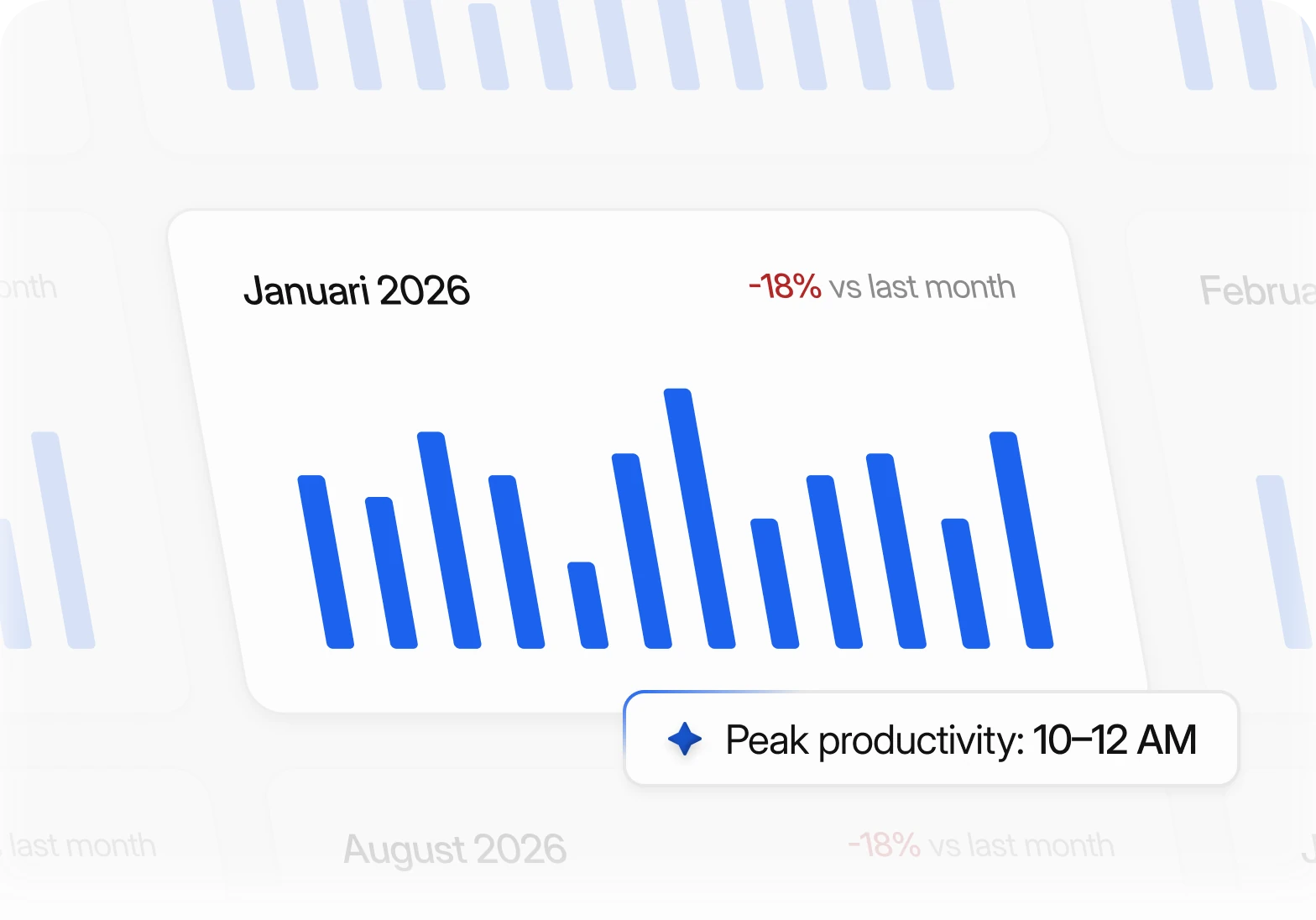
Meeting analytics showed when each consultant was most productive, and the team protected those hours for client work.
Keeping People in Control
Consultants could override any suggestion. Trust grew because the AI explained its choices instead of hiding them.
Lessons for Your Team
If you want to try the same approach, start by measuring where your scheduling time goes today. Count the emails, conflicts and reschedules for one normal week. Then roll out AI scheduling to one team, compare the next few weeks against that baseline and expand from there.
- Pick one team with a high volume of external meetings
- Agree on the rules the AI should always respect
- Share booking links instead of proposing times
- Check the analytics together after the first month
A clear before-and-after picture makes it easy to see what changed — and to decide where to use AI next.
Final Thoughts
Your numbers will be different — every team books meetings in its own way. The pattern, though, is common: when the repetitive steps move to AI, time comes back to the work that actually needs people.


