


Every calendar tells a story. When you take calls, how long your meetings really run, which mornings you keep free — these patterns say more about how you work than any settings page.
Slotwyse AI uses machine learning to read that story and turn it into better time suggestions. Here’s how the model learns, and how you stay in charge of it.
What the Model Looks At
When you connect a calendar, the model studies scheduling signals such as:
- The times of day you usually accept and decline meetings
- How much buffer you leave between calls
- Which meetings you move, and where you move them to
- When you protect time for focused work
- How long each type of meeting actually lasts
It uses these signals to understand your preferences. It doesn’t need the content of your meetings to do that.
How Learning Happens
1. A Starting Point
On day one, Slotwyse AI starts from sensible defaults: standard working hours, short breaks between calls and your time zone. Suggestions are already useful, just not yet personal.
2. Learning from Your Choices
Every accepted, declined or rescheduled meeting is feedback. If you keep moving afternoon calls to the morning, the model notices and starts suggesting mornings first.
3. Adapting as You Change
Preferences aren’t fixed. A new role, a new team or a new season changes how you work, and recent behavior carries more weight than old habits.
What You Get from It
As the model learns, you’ll notice:
- Time suggestions that match when you do your best work
- Focus blocks that stay protected
- Meeting lengths that reflect reality, not the default
- Fewer reschedules, because the first suggestion fits
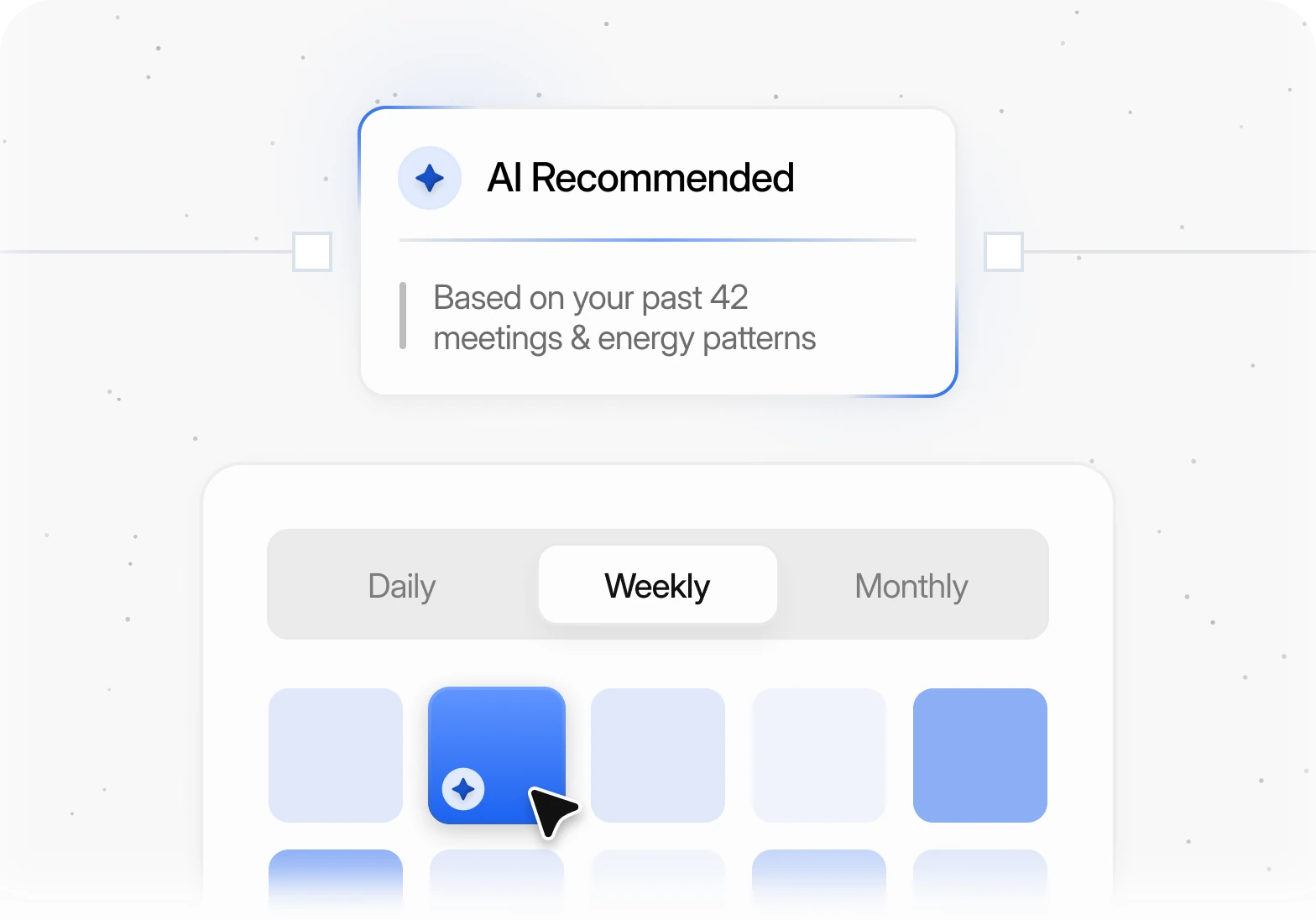
In our example calendar, the model spots that its owner is sharpest between 10 and 12 AM and keeps that window free for deep work, offering early afternoons for calls instead.
You Stay in Control
Learning should never feel like a black box. Slotwyse AI explains why it suggests a time, lets you set hard rules that always win, such as “no meetings on Friday afternoons”, and lets you reset what it has learned at any time.
Your preferences are learned inside your own workspace and are never shared with other users.
Teams Learn Too
On the Team plan, the same learning works across people. Slotwyse AI understands who usually handles which kind of meeting, how busy each person is and when the whole team is free, so it can match new bookings to the right person and suggest team slots that don’t break anyone’s focus time.
Each person’s preferences still belong to them. The team view uses availability and workload to make matches — it doesn’t expose anyone’s private calendar details to the rest of the team.
The result is a shared calendar that feels personal to everyone on it.
Final Thoughts
The best scheduling assistant is the one that fits around you. By learning from the choices you already make, Slotwyse AI turns your calendar into a tool that knows your week — and gets a little smarter every time you use it.


